
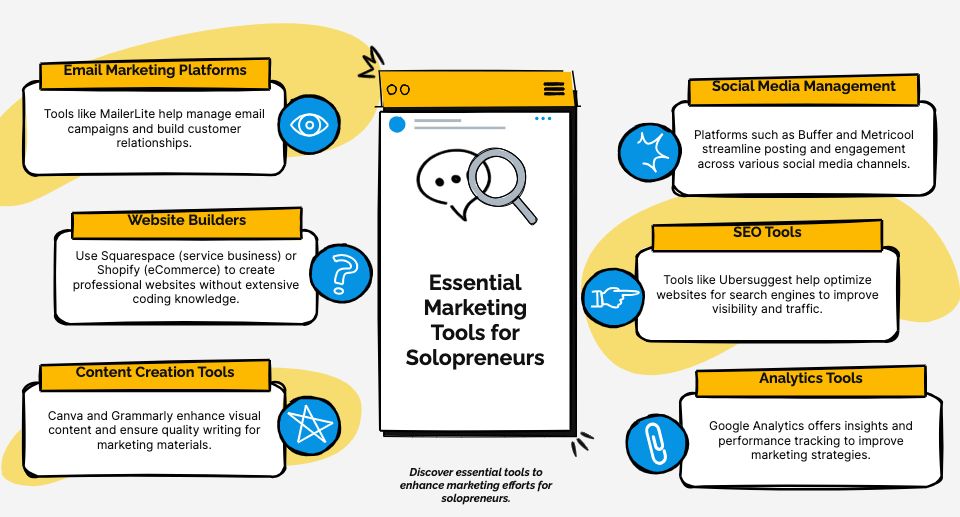
Need affordable digital marketing tools? Here are 9 options under $50/month to help solopreneurs manage social media, email, content creation, and analytics — all on a budget. These marketing software options save time, automate tasks, and improve your marketing results without overspending.
Quick Highlights:
- Social Media Tools: Zoho Social ($15/month), Buffer ($5/channel), MeetEdgar ($29.99/month)
- Email Marketing: Brevo ($9/month), MailerLite ($9/month)
- Design & Content Creation: Canva ($15/month), Predis.ai ($32/month)
- Search Engine Optimization (SEO) & Analytics: Ubersuggest ($29/month)
- Support & Strategy: Women Conquer Business Membership ($47/month)
Comparison Table
| Tool | Main Use | Price | Free Plan Available? |
|---|---|---|---|
| Zoho Social | Social media scheduling | $15/month | Yes |
| Buffer | Social media marketing | $5/channel | Yes |
| MeetEdgar | Content repurposing | $29.99/month | No |
| Brevo | Email marketing | $9/month | Yes |
| MailerLite | Email newsletters | $9/month | Yes |
| Canva | Design software | $15/month | Yes |
| Predis.ai | AI content generation | $32/month | No |
| Ubersuggest | SEO research | $29/month | No |
| Women Conquer Business | Marketing strategy support | $47/month | No |
These tools are perfect for solopreneurs looking to streamline their marketing without exceeding their budget. Pick the ones that suit your needs and start optimizing your marketing efforts today.
In this post
- 1. Zoho Social: Social Media Management
- 2. Buffer: Post Scheduling Tool
- 3. MeetEdgar: Social Content Repurposing Platform
- 4. Brevo: Email Marketing Platform
- 5. MailerLite: Email Newsletter Service
- 6. Canva: Design Software
- 7. Predis.ai: AI Content Generator
- 8. Ubersuggest: SEO Research Tool
- 9. Women Conquer Business Membership: Marketing Training & Support
- Tool Features and Pricing Chart
- Next Steps
- FAQs
1. Zoho Social: Social Media Management
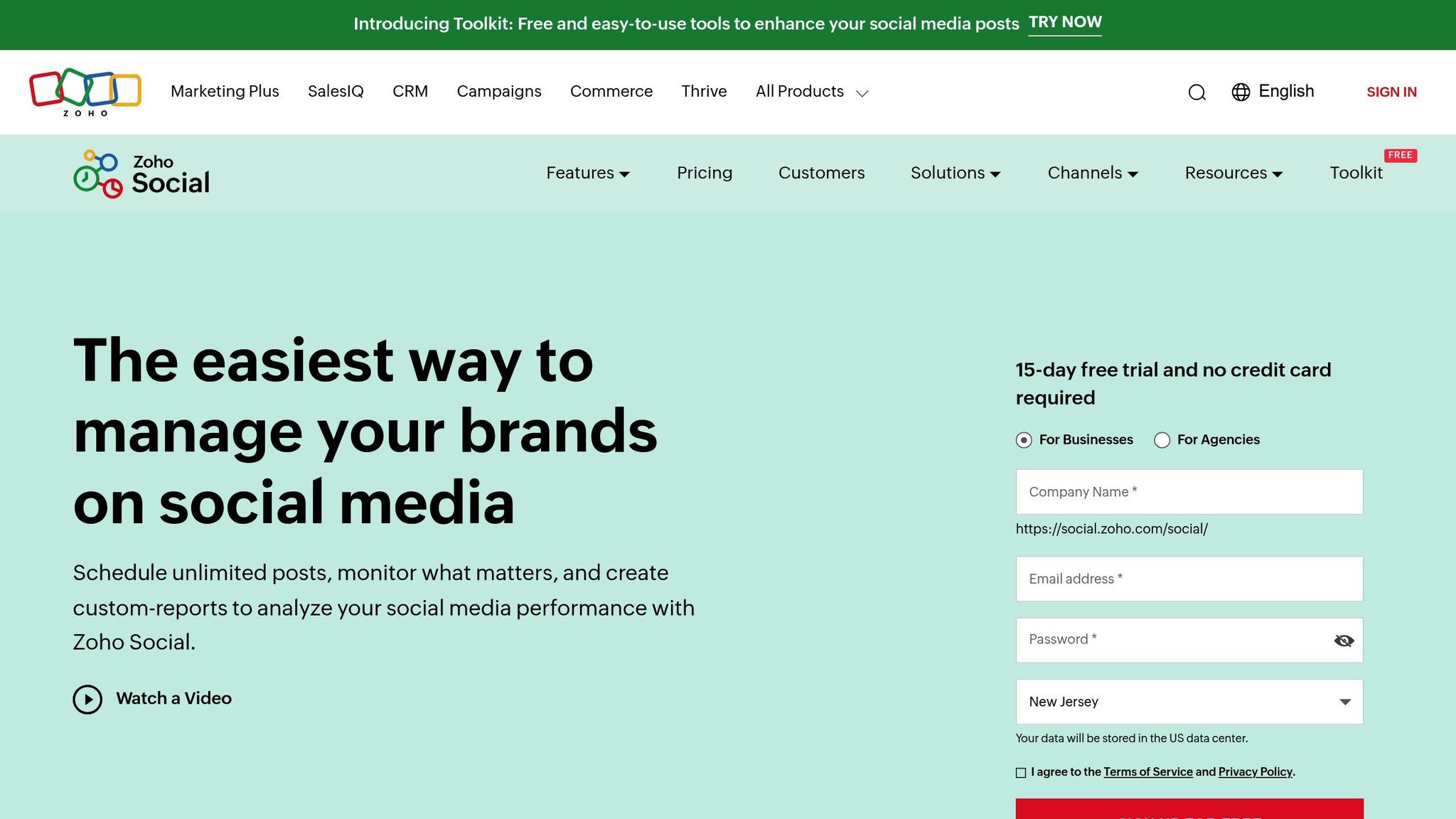
Zoho Social offers a robust social media management solution starting at $15/month. Its AI-driven scheduler analyzes audience engagement patterns to recommend the best posting times.
It supports popular platforms like Facebook, X/Twitter, Instagram, LinkedIn, Google Business Profile, TikTok, Mastodon, Threads, Bluesky, and YouTube. It covers the key channels where most B2B and B2C audiences are active.
Key features include:
- Tracking performance across platforms
- Monitoring audience growth
- Identifying high-performing posts
- Generating automated reports
For $40/month, the Professional plan adds tools for team collaboration, such as:
- Role-based access
- Approval workflows
- Shared calendars
- Internal team discussions
You can also integrate Canva for creating designs directly within the platform. Bulk scheduling makes it easy to plan weeks of content in advance. With a 4.3/5 rating on G2, Zoho Social is a great fit for solopreneurs looking for a streamlined way to manage their social media presence.
Its scheduling features complement Buffer’s calendar tools, which we’ll explore next.
2. Buffer: Post Scheduling Tool
Buffer makes social media scheduling simple and budget-friendly, with its Essentials plan costing just $5 per month per social channel. This pricing structure is ideal for solopreneurs managing multiple platforms while keeping expenses below $50 a month.
Buffer includes a drag-and-drop calendar that allows you to create marketing campaigns on Facebook, X/Twitter, Instagram, LinkedIn, Google Business Profile, TikTok, Mastodon, Threads, Bluesky, and YouTube.
Analytics Features to Know:
- Tracks engagement metrics, such as likes and comments
- Identifies patterns in reach and audience interaction
- Compares performance across platforms
Buffer also offers a mobile app and browser extension, making it easy to share content directly from your browser or receive push notifications. Its free plan supports up to 3 channels, with 10 scheduled posts per channel, plus basic analytics.
Upgrading to the Essentials plan unlocks unlimited scheduling and access to detailed analytics. Integration with tools like Canva, Feedly, and Google Analytics ensures an efficient workflow, helping you make the most of your social media efforts in less time.
Buffer’s straightforward scheduling works seamlessly alongside MeetEdgar’s content recycling features, which we’ll dive into next.
3. MeetEdgar: Social Content Repurposing Platform
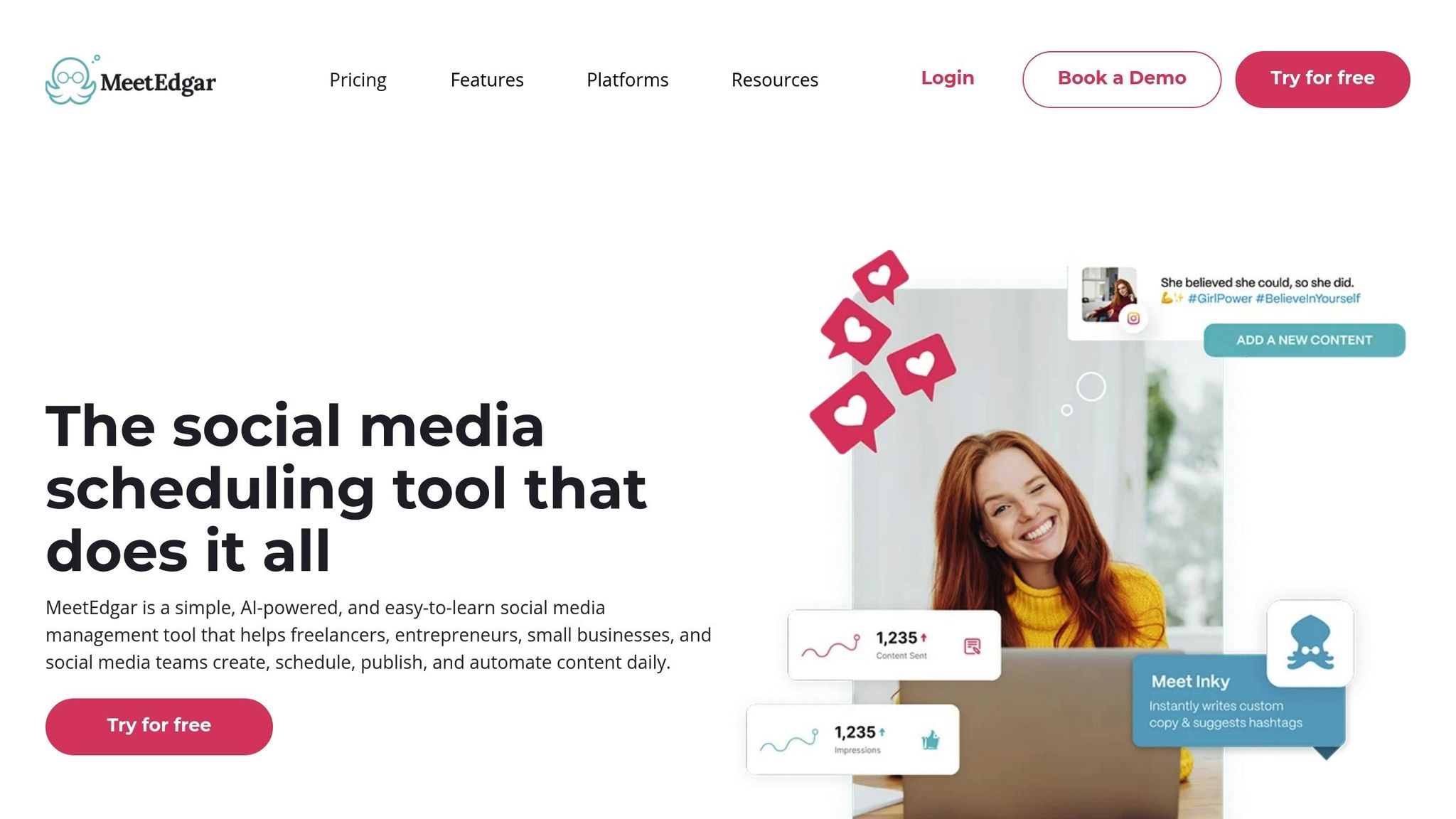
MeetEdgar takes social media management a step further by automating content recycling for just $29.99/month. It’s designed to keep your social channels active without requiring constant attention, making it a great option for maintaining a steady online presence on a budget.
What sets MeetEdgar apart is its categorized library system. You can organize your content into categories – like blog posts, promotions, or motivational quotes – and the platform will automatically pull from these to fill your posting schedule. This ensures your social accounts stay active, even when you’re swamped with other tasks.
Key features include:
- Smart scheduling to post at the best engagement times
- Automatically creating variations of your posts
- Category-based organization for streamlined posting
- RSS feed integration to pull in blog updates
Users often highlight how much time this tool can save. Plus, the browser extension makes it easy to add content directly to your library as you browse the web. To help you get the most out of the platform, MeetEdgar also offers free live workshops. If content marketing is a core tactic, MeetEdgar helps you understand how critical content repurposing is to avoid burnout.
4. Brevo: Email Marketing Platform
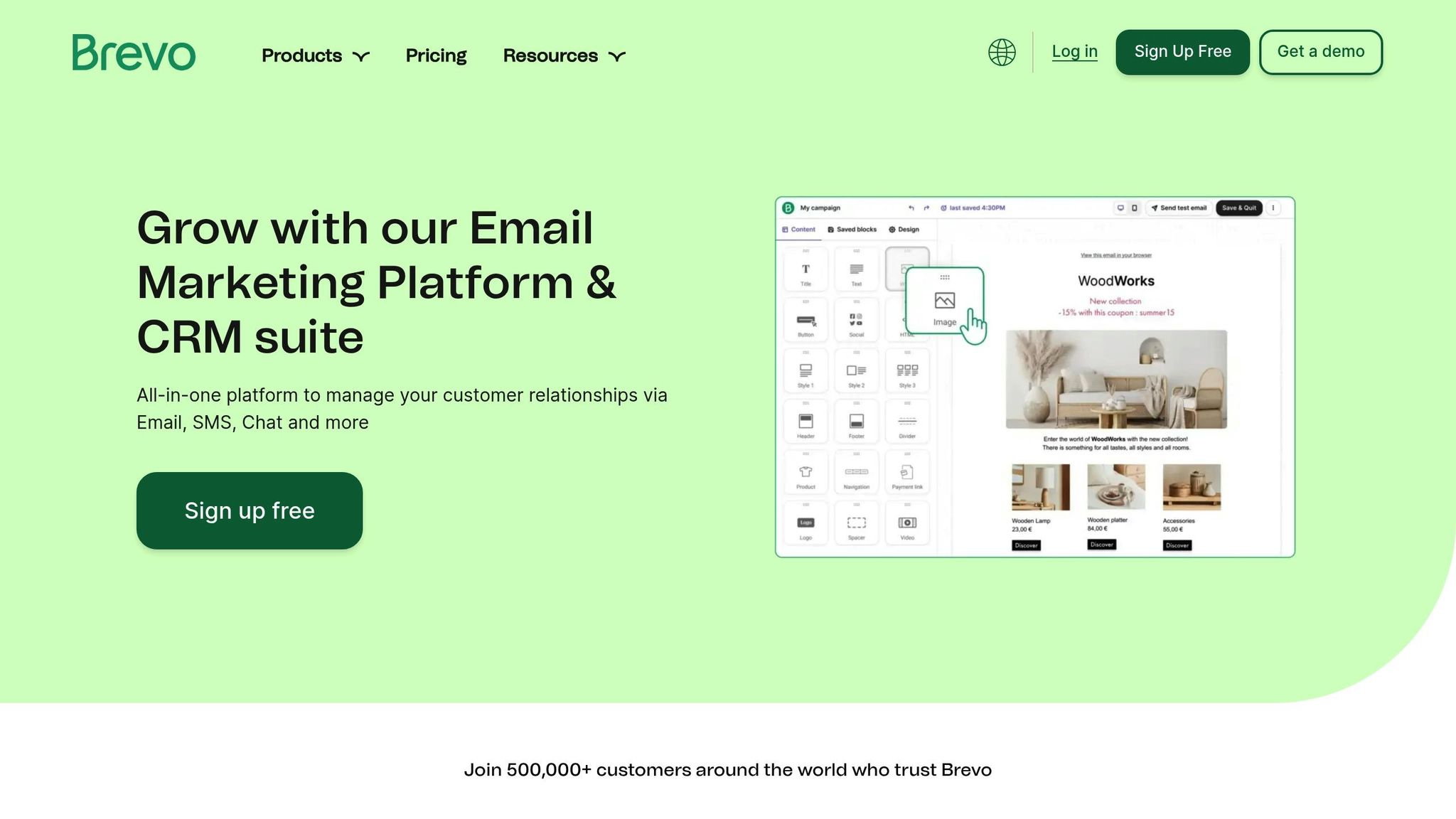
Brevo, previously known as Sendinblue, is a budget-friendly platform that combines email, SMS, sales CRM, and automation – perfect for solopreneurs. Starting at $9/month for 5,000 emails/mo., it’s a practical choice for managing email marketing without breaking the bank.
What sets Brevo apart is its all-in-one functionality. It merges email marketing, SMS tools, and automation features into a single, easy-to-use platform. With a 97% deliverability rate, you can trust that your messages will reach your audience.
Features That Stand Out
Brevo offers tools that are particularly helpful for solo entrepreneurs:
- A drag-and-drop editor with over 150 templates
- Automated workflows like welcome emails and abandoned cart reminders
- Advanced audience segmentation for targeted campaigns
- Real-time analytics to track campaign performance
- Free sales CRM
- SMS email marketing services you can grow into
Engagement and Results
Brevo delivers solid performance across industries:
- Average email open rate: 21.33%
- Average click-through rate: 2.62%
| Plan | Monthly Price | Email Limit | Features |
|---|---|---|---|
| Free | $0 | 300/day | Basic templates, Email support |
| Starter | $9 | 5,000/mo. | A/B testing, Advanced statistics |
One user noted a 25% increase in open rates thanks to Brevo’s segmentation tools. While Brevo shines with multi-channel campaigns, MailerLite, our next tool, offers a simpler approach for newsletter-focused needs.
5. MailerLite: Email Newsletter Service
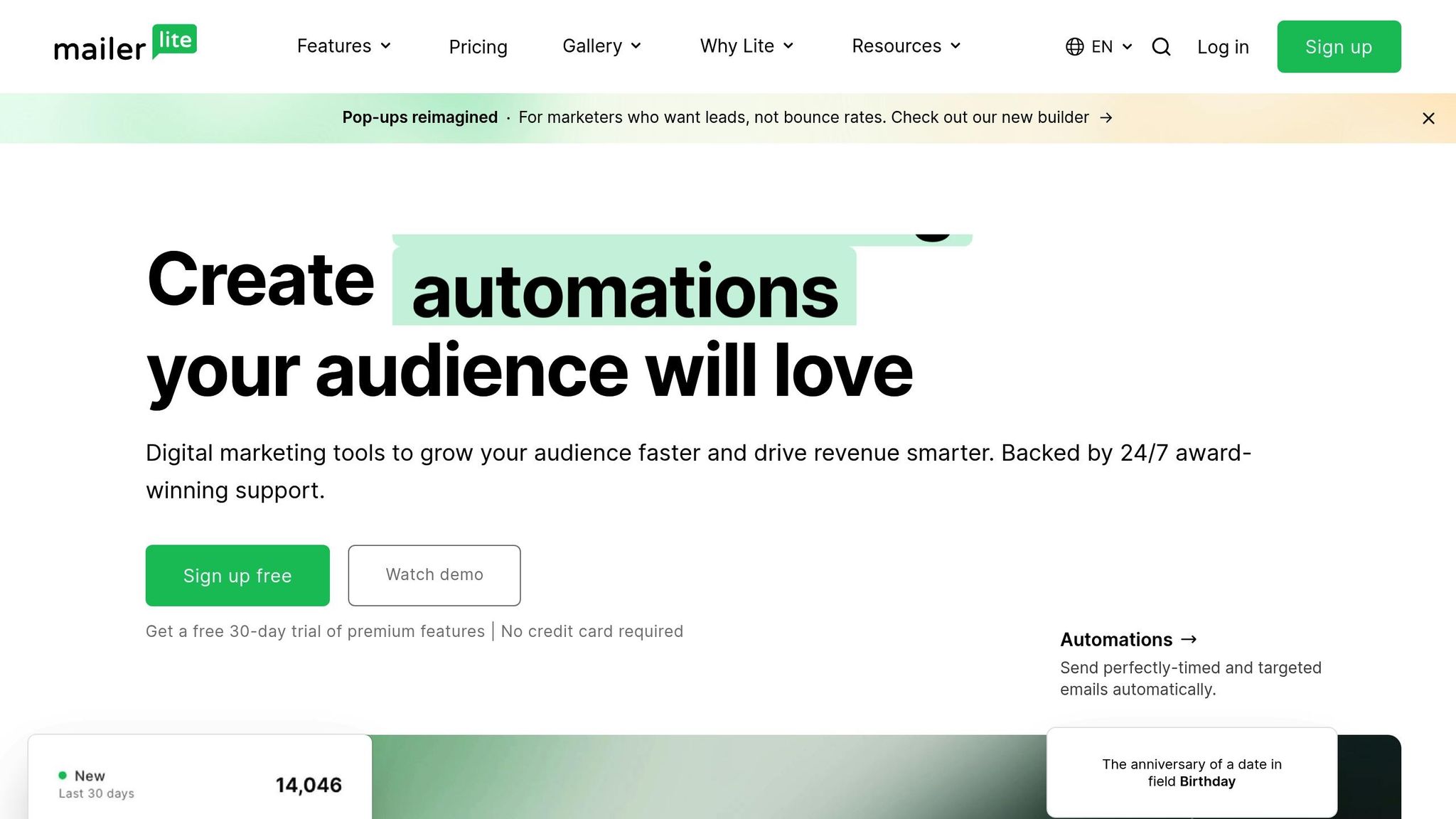
MailerLite offers powerful email marketing tools with a user-friendly design. Trusted by over 1 million users, it simplifies newsletter creation with an easy-to-navigate interface and flexible pricing plans ranging from free to $20 per month.
Features You’ll Use
MailerLite combines email marketing essentials with landing page tools. Its drag-and-drop editor allows you to create polished emails without hassle, while automation features keep your subscriber outreach consistent and efficient.
Here’s what stands out:
- Mobile-friendly landing page builder
- Automated email workflows
- Subscriber segmentation for targeted communication
- A/B testing to improve campaign performance
- Integrations with platforms like Shopify and WordPress
Pricing Breakdown
| Plan | Monthly Cost | Subscriber Limit | Key Features |
|---|---|---|---|
| Free | $0 | 500 | 12,000 emails/month, Basic templates |
| Growing Business | $10 | 500 | Unlimited emails, Automation |
| Advanced | $21 | 500 | Facebook integration, Promotional popups |
The platform also supports SPF/DKIM authentication, helping ensure your emails land in inboxes. Need help? Their 24/7 support team is available via email and live chat.
While MailerLite covers most email marketing needs, those prioritizing design features might find Canva a better fit. We’ll dive into that next.
6. Canva: Design Software
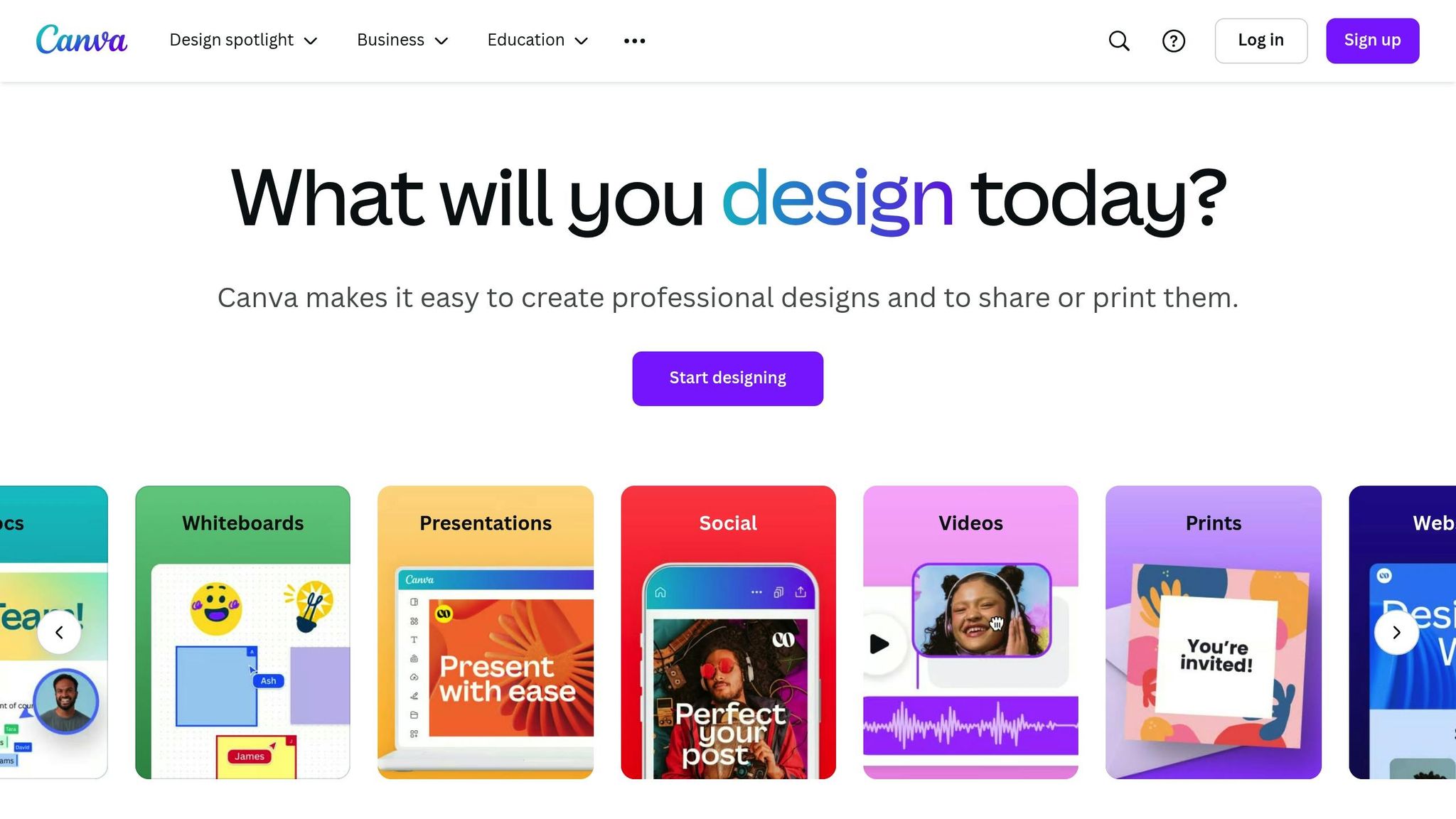
Canva offers a budget-friendly design solution at just $15 a month for its Pro plan. This popular marketing tool has over 100 million active users each month, it’s become a favorite for solopreneurs looking to create polished marketing materials without needing formal graphic design skills. Its intuitive interface and brand management tools make it easier for small businesses – 73% of which handle creative work in-house – to maintain professional visuals without hiring outside help.
Features That Make Canva Stand Out
Canva provides access to over 750,000 templates for everything from social media posts to email headers, product labels, and presentations. Handy tools like background removal and animation save you from juggling multiple apps, while the Content Planner lets you schedule posts directly to your social media accounts.
Marketing Materials Breakdown
| Marketing Material | Use Case | Benefits |
|---|---|---|
| Social Media Posts | Regular content creation | Pre-sized templates for different platforms |
| Email Headers | Newsletter visuals | Keeps branding consistent |
| Presentations | Client meetings or pitches | Sleek, professional slides |
| Product Labels | E-commerce packaging | Add personalized branding elements |
| Website Graphics | Landing pages | Mobile-friendly designs |
Pricing Options
| Plan | Monthly Cost | Features |
|---|---|---|
| Pro | $15 | Includes Brand Kit, Magic Resize, and access to 100M+ photos |
| Teams | $10/person | Same features as Pro. |
Canva is perfect for solopreneurs tackling everyday marketing tasks, though it may fall short for more complex design projects.
For a complete social media strategy, you can pair Canva’s visual tools with Predis.ai. Predis.ai uses AI to craft engaging copy, turning your Canva designs into fully realized social posts.
7. Predis.ai: AI Content Generator
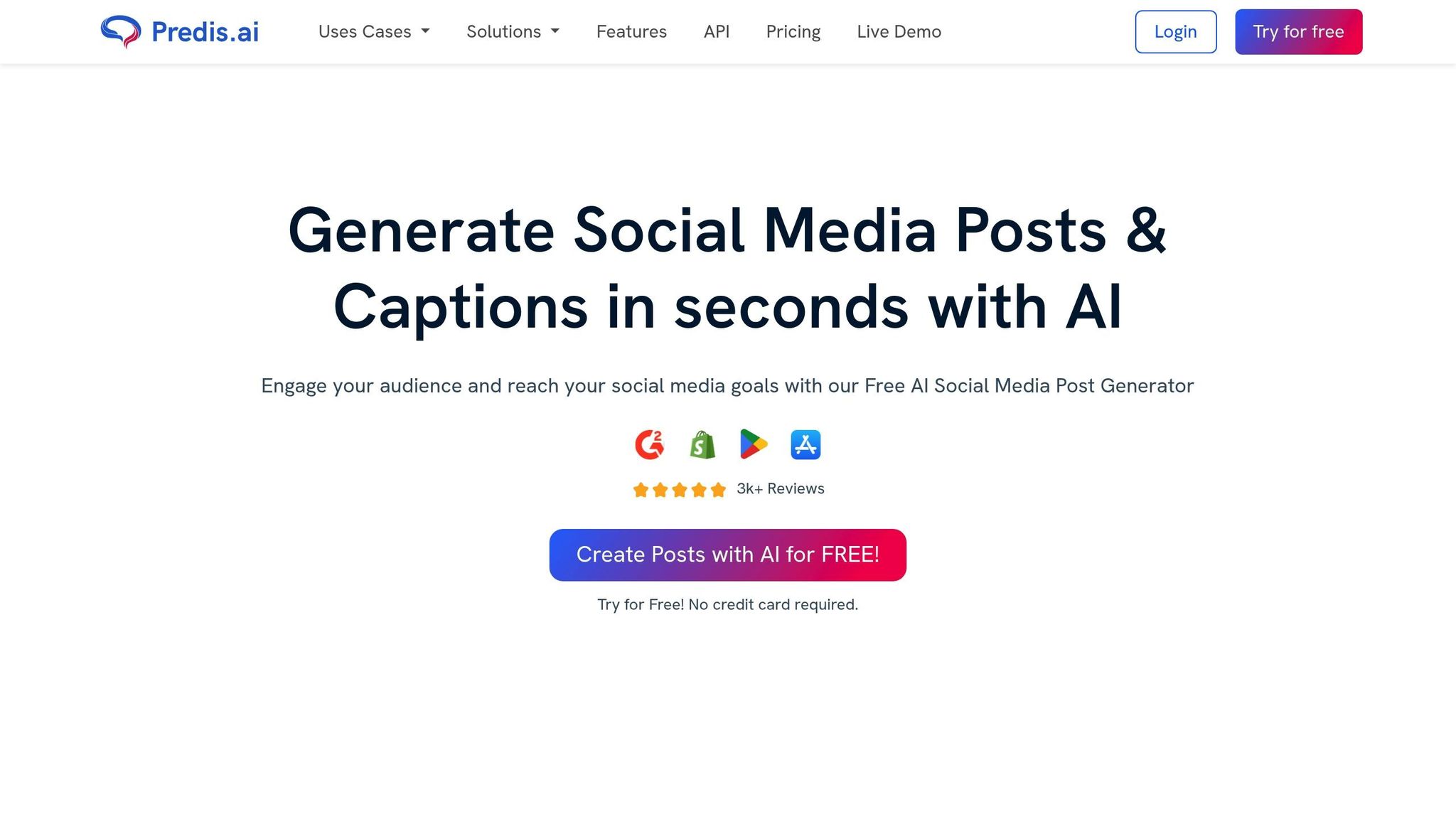
For $32/month, Predis.ai offers solopreneurs a way to create consistent, on-brand content without breaking the bank – a challenge we touched on earlier. This tool uses AI to craft posts for platforms like Instagram, Facebook, LinkedIn, and X/Twitter.
Key Features
| Feature | What It Does |
|---|---|
| AI Caption Writing | Creates captions tailored to your tone and style |
| Visual Content Creation | Helps design images and short videos with AI |
| Content Calendar | Simplifies scheduling posts across platforms |
Real-World Results
A fitness coach saw Instagram followers grow by 5x and client inquiries jump 150% in just six months using Predis.ai.
Integration Capabilities
Predis.ai connects smoothly with top marketing tools, making it easier to manage workflows and boost productivity.
Pricing Details
| Plan | Cost | Highlights |
|---|---|---|
| Pro | $32/month | Full access to features and higher usage limits |
Things to Keep in Mind
While Predis.ai scores a solid 4.5/5 on G2, its AI-generated content still needs a human touch to ensure it aligns with your brand’s voice. It’s great for initial drafts, but a quick review is recommended.
If you’re looking for SEO-focused tools to complement your content strategy, check out Ubersuggest next. It’s designed to offer keyword insights and more.
8. Ubersuggest: SEO Research Tool
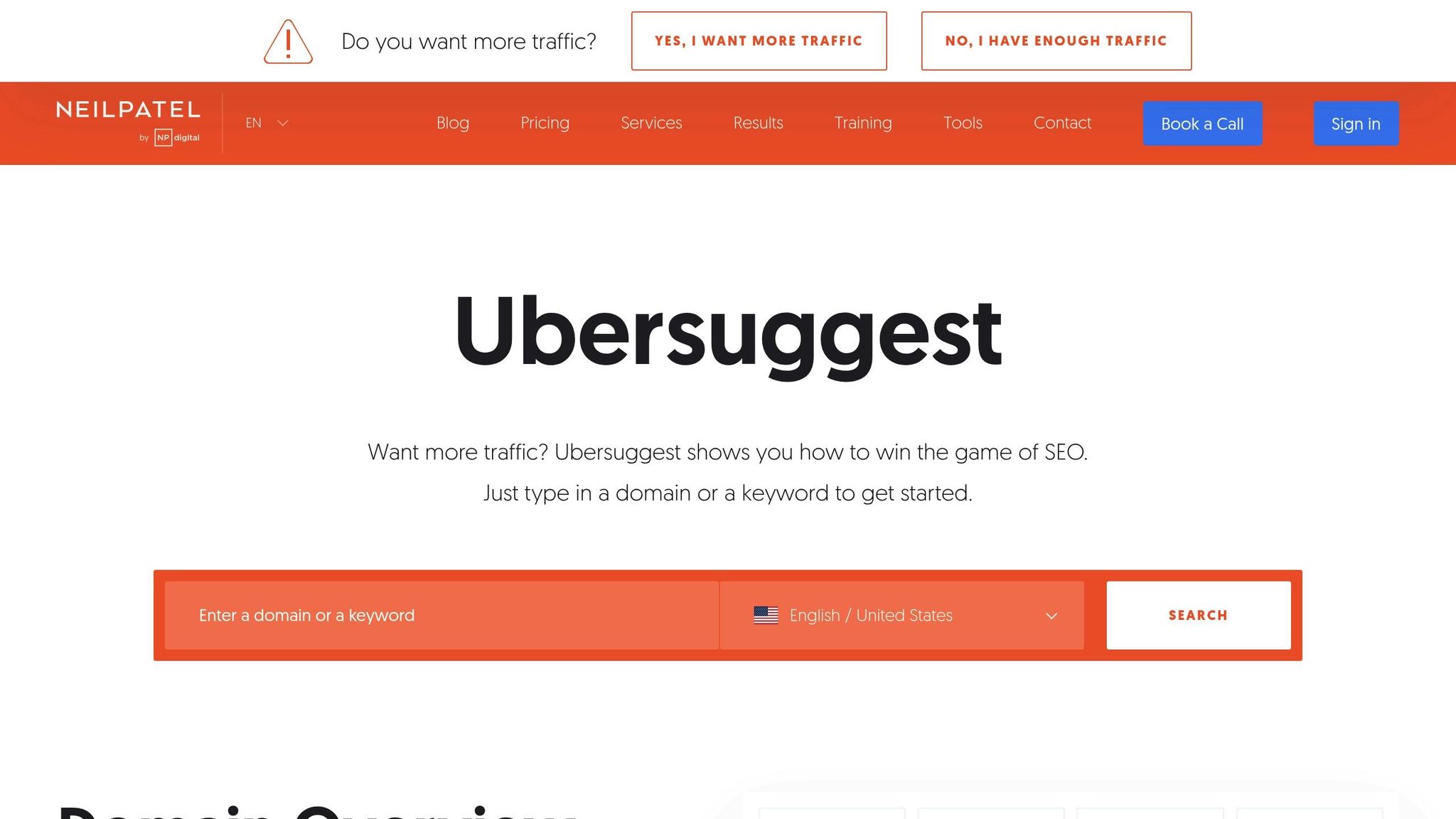
At $29/month for the Individual plan (with annual billing), Ubersuggest offers powerful SEO tools at a price suited for solo entrepreneurs. Developed by digital marketing expert Neil Patel, this platform analyzes over 42 million keywords daily, helping users refine their SEO strategies.
Key Features
| Feature | What It Offers |
|---|---|
| Keyword Research | Access a database of over 6 billion keywords, complete with search volume and difficulty metrics. |
| Site Audit | Pinpoints technical SEO issues and provides actionable solutions. |
| Competitor Analysis | Identifies top-performing content and keywords used by competitors. |
| Rank Tracking | Keeps tabs on keyword rankings across desktop and mobile platforms. |
| Content Ideas | Suggests topics based on content that’s already proven effective. |
Why It Stands Out
The platform processes an impressive 42 million keywords daily, ensuring users get up-to-date and relevant insights for their SEO plans.
Integration Options
Ubersuggest integrates with several essential marketing tools:
- Google Search Console: Provides precise keyword data.
- Google Analytics: Offers detailed traffic insights.
- WordPress Plugin: Enables direct on-site optimization.
- Chrome Extension: Allows instant SEO analysis while browsing.
Tips for Best Use
Use Ubersuggest to target long-tail keywords – specific, low-competition phrases that often deliver higher conversion rates. The tool’s keyword difficulty scores can help you spot opportunities for quick wins.
Things to Keep in Mind
While Ubersuggest earns a strong 4.5/5 rating on G2, some users mention occasional discrepancies in data accuracy compared to premium tools like Ahrefs. For critical decisions, cross-check data with Google Search Console.
Pricing Options
| Plan | Cost (Annual Billing) | Features Included |
|---|---|---|
| Individual | $29/month | 150 daily searches and core features. |
| Business | $49/month | 300 daily searches and advanced tools. |
Up next, we’ll look at how Women Conquer Business offers customized marketing strategies to complement tools like Ubersuggest.
9. Women Conquer Business Membership: Marketing Training & Support
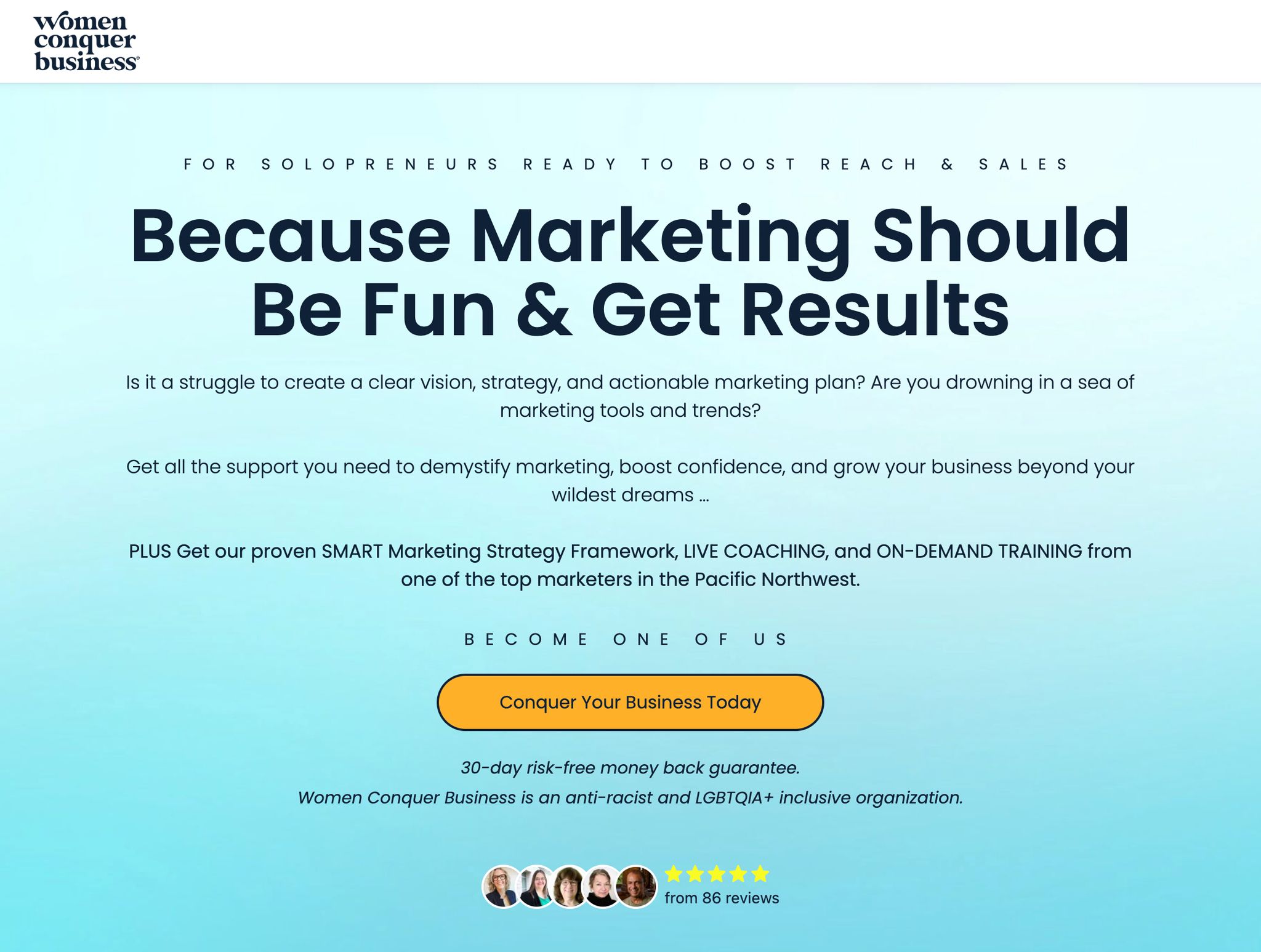 Women Conquer Business offers solopreneurs a $67/month membership designed to provide strategic marketing guidance. Unlike tools that focus solely on specific tasks, this platform helps fill the gap in strategic planning, making it especially useful for those managing every aspect of their business.
Key Features
| Feature | Description |
|---|---|
| Weekly Coaching | Live sessions covering strategies and trends |
| Template Library | Pre-designed materials for campaigns |
| Expert Network | Connect with marketing and other professionals |
| Peer Community | Forum for collaboration and accountability |
What Makes It Different
What sets Women Conquer Business apart is its blend of practical templates and expert-led guidance. Instead of just offering tools, the platform combines marketing education with business coaching. For solo entrepreneurs, the added benefit of a peer community fosters collaboration, accountability, and networking — elements often missing from standalone marketing tools.
Tool Features and Pricing Chart
Here’s a quick comparison of the tools mentioned:
| Tool | Key Features | Price | Free Plan Available? |
|---|---|---|---|
| Zoho Social | • Post and schedule on multiple platforms • Track performance metrics • Collaborate with team members | $15/month | Yes, limited free plan |
| Buffer | • Schedule posts across platforms • Basic performance analytics • Browser extension for easy use | $5 per channel/month | Yes, up to 3 channels |
| MeetEdgar | • Content library • Great for repurposing | $29.99/month | No |
| Brevo | • Email marketing automation • SMS campaign tools • Built-in CRM | $9/month | Yes, 300 emails/day |
| MailerLite | • Drag-and-drop email editor • Workflow automation • Build landing pages | $9/month | Yes, up to 1,000 subscribers |
| Canva | • Extensive template library • Brand management tools • Social media design features | $15/month | Yes, with basic features |
| Women Conquer Business | • Access to a supportive community • Group coaching sessions • Strategic resources for growth | $67/month | No |
These tools can complement each other well. For example, use Canva to create eye-catching visuals and schedule them with Buffer, or combine Brevo’s email tools with SEO insights from Ubersuggest.
Always double-check pricing directly with the providers, as plans and offers may change.
Next Steps
Now that you’ve explored affordable marketing tools, it’s time to put them to work for your business. Begin by conducting a detailed marketing audit to pinpoint your top priorities. Then, choose tools from the list that address your specific challenges.
30-Day Implementation Plan
| Week | Focus | Actions |
|---|---|---|
| 1 | Audit | Identify your top three marketing challenges |
| 2 | Test | Try 2-3 tools using real content |
| 3 | Compare | Assess ROI potential and compatibility |
| 4 | Launch | Set up workflows and train your team |
Track Your Success
Monitor how well each tool performs using built-in metrics. For instance, Brevo offers campaign analytics, while Ubersuggest can help you track keyword rankings.
Get the Most Out of Your Tools
Here are some tips to make the most of your investment:
Decluttering your systems? Good. Now let’s build one that actually works.
A Marketing Operations Makeover takes you from “too many disconnected tools” to a clean system where everything connects and nothing gets lost. Tech stack audit, custom roadmap, and implementation support included.
See How the Makeover Works →- Focus on learning one advanced feature each week.
- Join user communities for tips and support.
- Set up automated workflows to save time.
- Review results every two weeks to stay on track.
Common Mistakes to Avoid
Avoid these pitfalls to ensure success:
- Taking on too many tools at once.
- Skipping integration with your existing systems.
- Getting distracted by features that don’t align with your goals.
- Underestimating the time needed for proper setup.
For example, you could simplify your processes with Buffer’s cross-platform scheduling (Section 2) or Zoho’s analytics tools (Section 1). Brevo’s automation (Section 4) and MailerLite’s workflows (Section 5) are also great for streamlining your efforts and saving time.
Need help? Schedule a marketing strategy consultation.
FAQs
What is the most effective and least costly marketing tool?
For solopreneurs focused on keeping expenses low, email marketing is a standout choice. Here’s why:
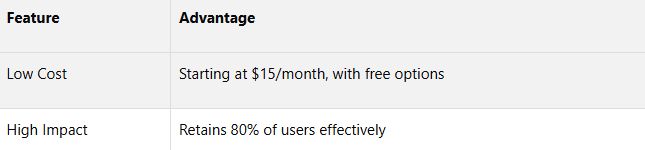
Solopreneurs can see as much as a 2.5x increase in email revenue by using targeted automation, which may lead to:
- A 2.4x boost in click-through rates
- A 15% rise in overall email engagement
MailerLite and Brevo are excellent options, offering robust email marketing features for under $50/month.
Email marketing has proven to be our most reliable channel for consistent ROI. The key is personalization and targeted messaging.
Can I use these tools together without making things more complicated?
Absolutely. Many of these tools are designed to play nicely together — and they should make your life easier, not harder.
Here’s how to stack them smartly:
- Design in Canva, then schedule with Buffer or Zoho Social
- Write your newsletters in MailerLite or Brevo, and use Canva for email graphics
- Predis.ai helps generate ideas → plug into your social or email tool
- Use Ubersuggest to find SEO keywords, then write optimized posts or emails
- Join Women Conquer Business to map your strategy and avoid shiny object syndrome
The key is workflow over chaos. Choose tools that support your content and your energy.
Not sure what your marketing actually needs right now?
A free 30-minute clarity call is the fastest way to find out. No pitch, no pressure... just a conversation about where your marketing is, where you want it to go, and what the realistic next step looks like.
Book Your Free Clarity Call → Learn more about working with JenFree resource
Get the Free Marketing Tool Decision Framework
8 questions to ask before you add, keep, or replace any marketing tool. Stop investing in platforms you'll abandon in 3 months.
No spam. Unsubscribe anytime. We respect your inbox.